How to Use Range Builder in GTO Wizard To Improve Your Game


Overview
In our previous piece in the article series dedicated to using specific GTO Wizard features to improve one’s game, we discussed how to get the most out of “Practice Mode.” In this article, we will look at another key feature: “Range Builder.” The Range Builder has you construct your entire strategy for any (preflop or postflop) spot. Your strategy will be graded based on how well it matches the GTO solution. This tool forces you to think globally about how you approach poker, revealing blind spots and common weaknesses that are tough to notice when playing a specific hand locally.
In this article, I start off by making the case for why an ambitious player should really consider integrating the Range Builder into their training. Followed by pointers on how to get started and suggestions on some of the use cases that I found it is well-suited for. Finishing up with tips to maximize your study gains and warnings to minimize your losses while working with it. The goal is to provide you with a jump-off point into the Range Builder and a path to mastering it.
1) Primer
Why It Works
The Range Builder leverages the concept of Retrieval Practice that was discussed in our article “The Science of Learning Applied to GTO Wizard.” Retrieval practice involves actively recalling facts and concepts to enhance long-term memory. This method not only strengthens retention but also supports the development of higher-order thinking skills. The Range Builder tool takes this a step further by testing your recall through direct comparison—matching your estimated range to the actual range and providing a score based on your accuracy. You can practice in Easy, Medium, or Hard mode, with each level offering an increasing number of bet sizes to choose from.
Getting Started
To get started, the GTO Wizard help center guide below provides a summary of the key features of the Range Builder. If you aren’t familiar with the basics of how this tool works, I recommend reviewing “How To Use Range Builder” before continuing.
Once you know how to use the tool, you will naturally want to start picking spots for which you want to build the ranges. In the next section, I give an overview of use cases that I think lend themselves well to Range Builder training sessions, along with the steps to get into those sessions.
2) When to Use Range Builder
Use the right tool for the job, they say. But for which job(s) is the Range Builder the right tool? Below, I have listed some cases where it will provide the most benefit in terms of improving your game.
2.1) Learning Preflop Ranges
The most common application of the Range Builder is to test your knowledge of preflop ranges, as reducing preflop mistakes in your game yields the highest reward. This can be particularly useful for solidifying your responses to opens, where you will have multiple actions to implement.
Five steps to practice a specific presolved preflop spot:
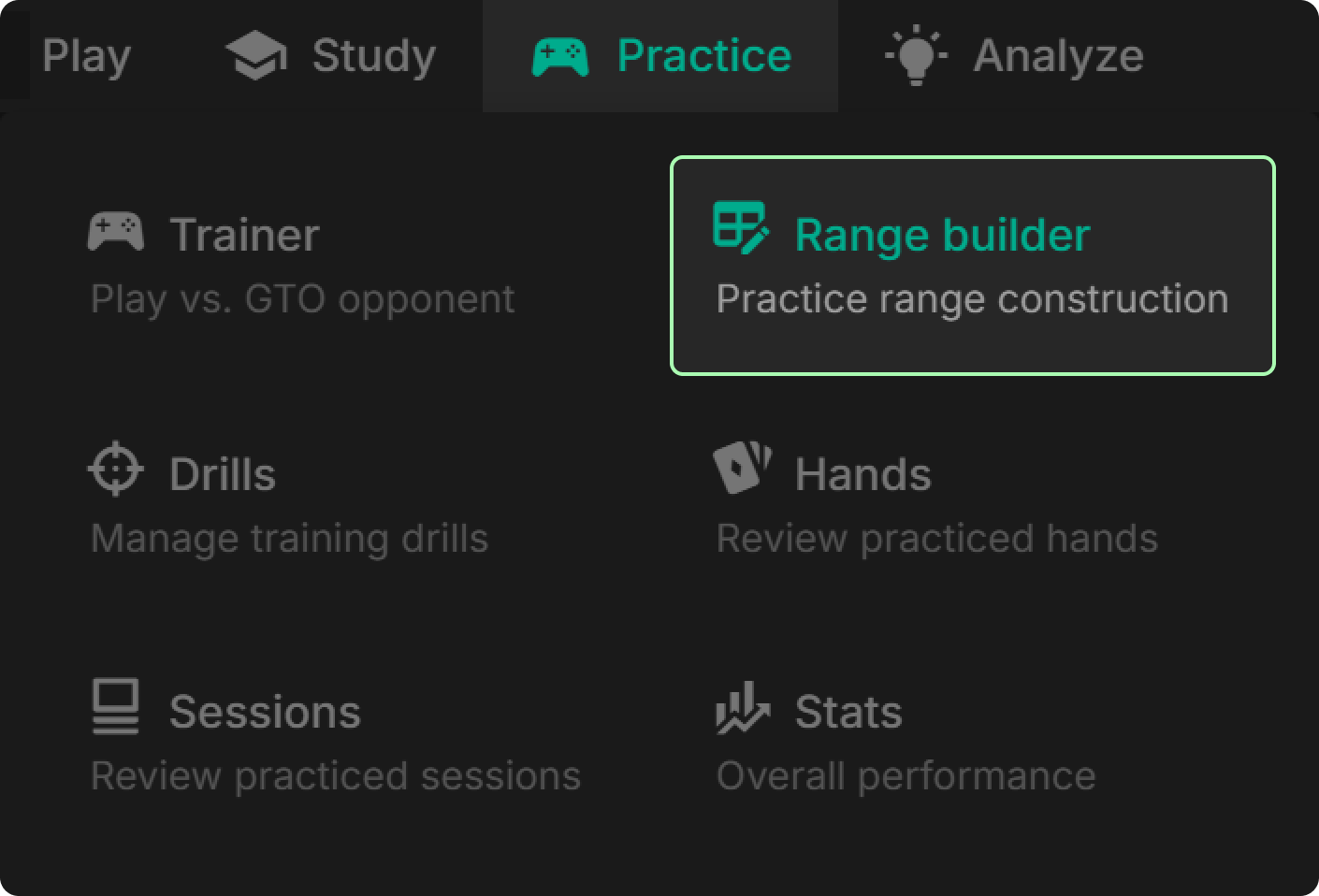
1. Access the Range Builder from the “Practice” tab.
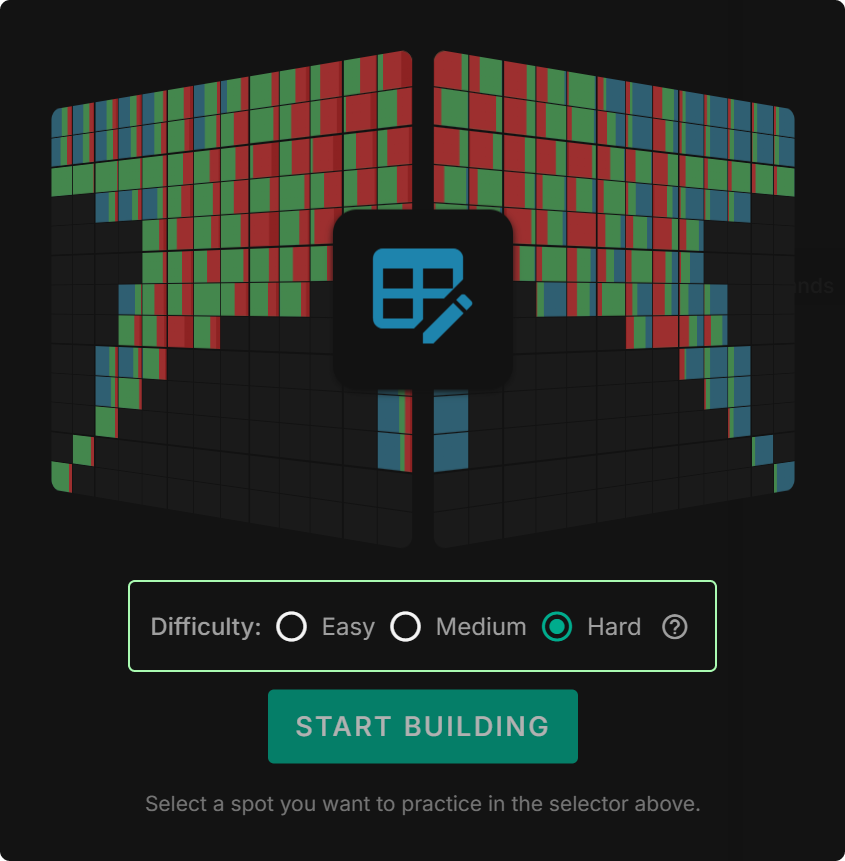
2. Select the “Difficulty” you’d like to apply for practice (clicking the question mark icon to the right of the difficulty options shows what each setting means):
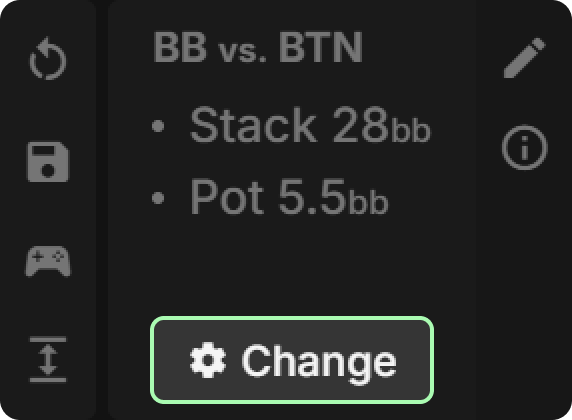
3. Select the solution you would like to practice from the solution details in the top-left corner of your screen:
4. Select any preflop action you’d like to train from the action details at the top of your screen:

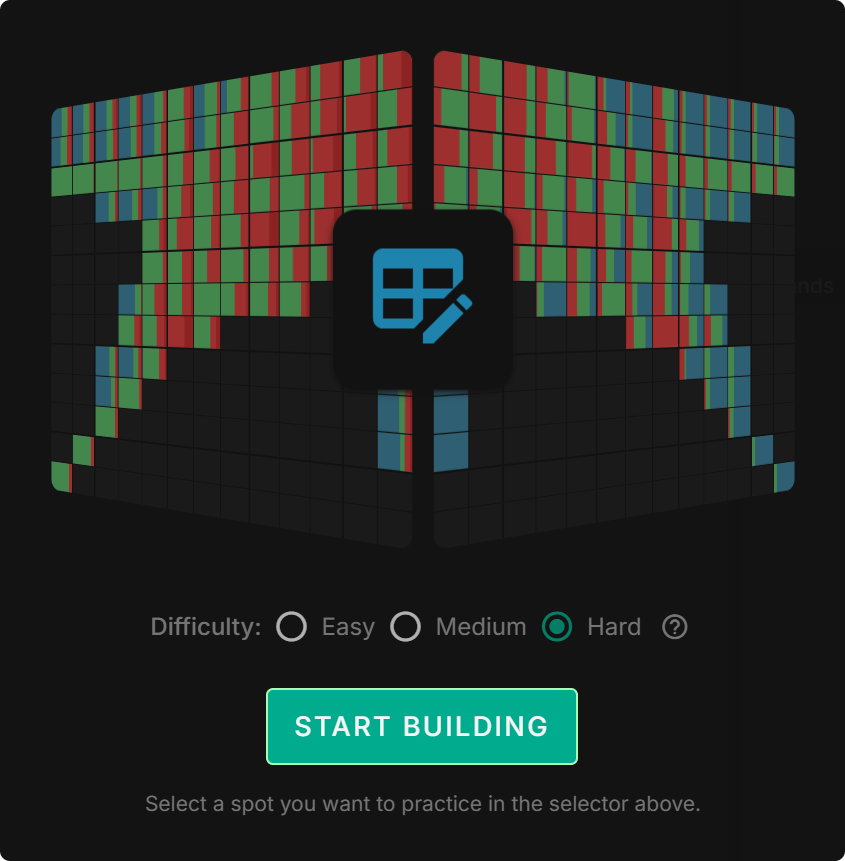
5. Once you have configured the action and drill difficulty, click “START BUILDING” to begin practicing:
2.2) Fine-Tuning Postflop Frequencies
Practicing postflop will also make your study time valuable, as this gives you the opportunity to reinforce postflop concepts. To practice postflop play, start by simply following the setup steps for preflop play, then apply postflop setting in the action selector at the top of your screen (see step 4). Note: this option will only be available for solutions that include postflop actions. Look for the “Postflop included” setting highlighted below.
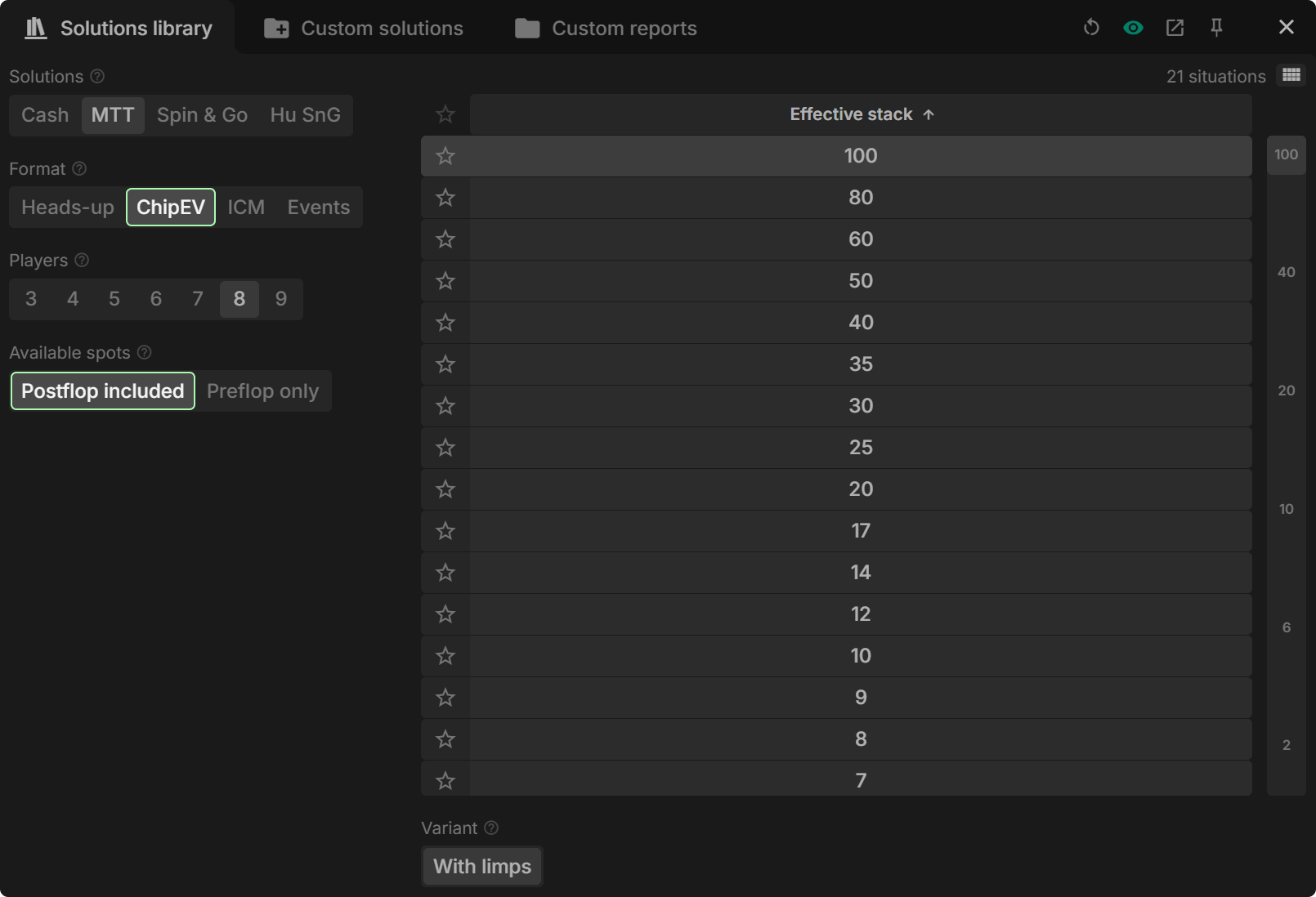
Selecting AI Postflop Solutions
If postflop solutions are not available for a presolved spot, you can still practice them with the Range Builder by generating a solution with GTO Wizard AI. Once you have requested the AI to solve a specific spot, follow the steps below to practice that custom-solved spot in the Range Builder:
Four steps to practice a specific custom postflop spot:
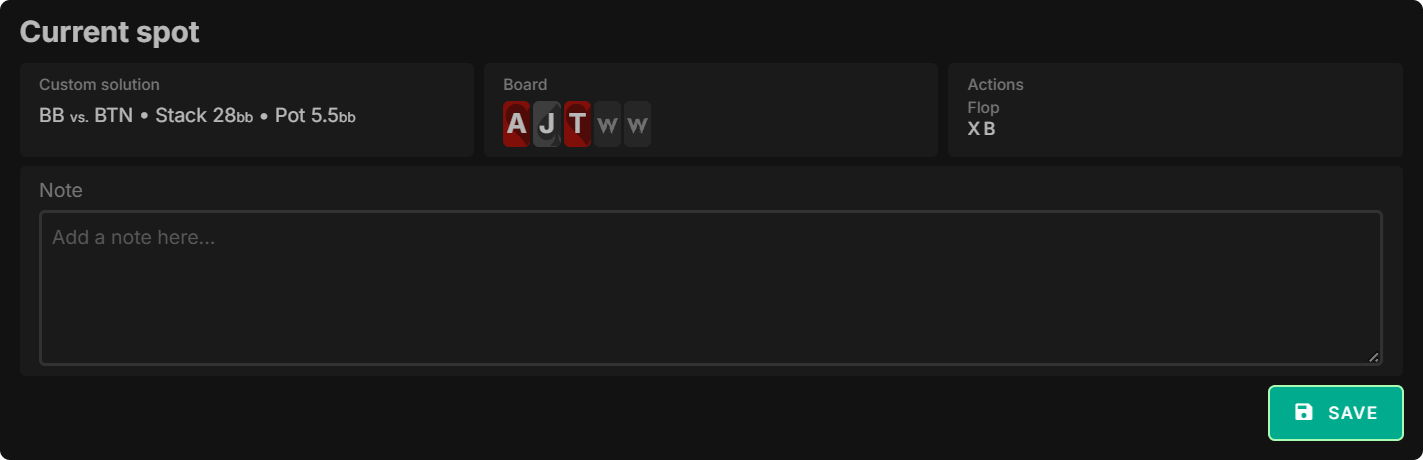
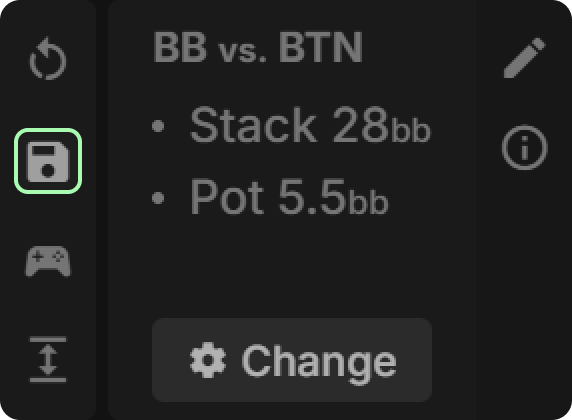
1. From the AI solution, select the “Saved spots” icon.

2. Enter a brief description for the spot you configured and click “SAVE”.
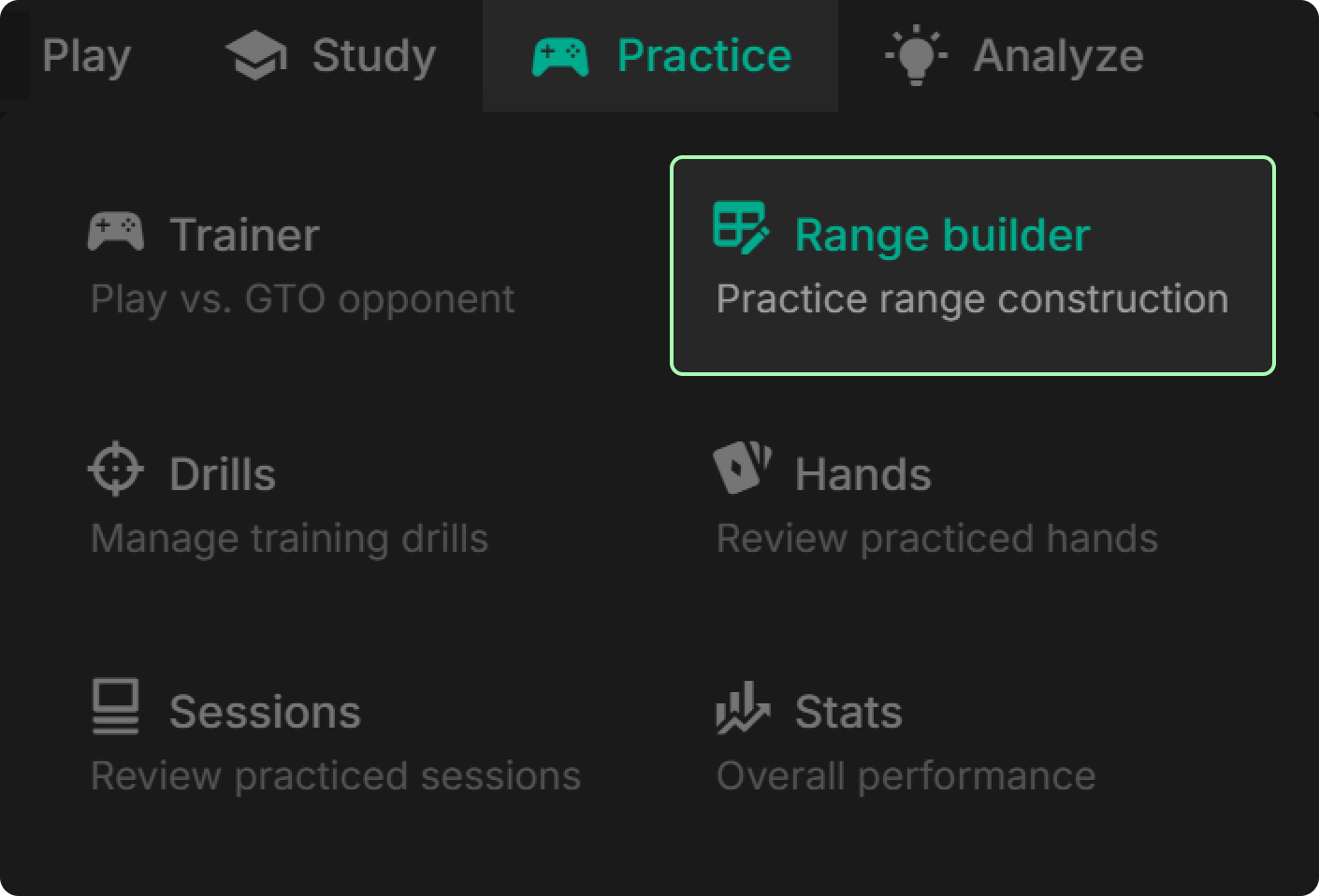
3. Select “Range builder” from the “Practice” tab.
4. Select your spot from the “Saved spots” icon.
This will allow you to practice ranges from postflop solutions that are not in the presolved solutions library. This means, for example, that you can also use this approach to practice building ranges for a simplified custom solution involving just a single bet size, as opposed to the multiple bet sizes provided in the presolved solutions.
3) Learning Efficiency
3.1) Tips for Maximizing Training Gains
- Be specific when selecting spots – As with drills, the best starting point is to ask yourself a question regarding where you’d like to improve. For instance, you might be wondering what range you c-bet on monotone boards or what hands check-raise from the BB when having defended against an early position open. The more specific your question, the more value you will gain from the spot you choose in the Range Builder.
- Select the difficulty that is right for you – When getting started with a new spot, or the Range Builder in general, it helps to start off with as few options as possible before moving up in difficulty. By eliminating mixed strategies through “Easy” mode, you can focus on the basic yes-or-no decisions. Once you are comfortable with the general fold, call or raise frequencies, you can move on to applying mixed strategies at the higher difficulties (if that’s what you want).
3.2) Warnings for Minimizing Study Leaks
- Aiming for perfection – While nailing down pure actions is important in these solutions, it’s also important not to try to ‘memorize’ each mixed frequency of a given spot. Depending on the solution you are solving, the difference between a 95% and 100% score could be as small as being off by a small percentage in a mixing frequency. You will get more value out of this tool by practicing and comparing spots to a 90–95% accuracy rating, versus seeking a 100% score before moving on.
- Being too nonchalant about high-frequency mistakes – In contrast to seeking perfection, it’s also possible to overlook important portions of a given range. To nail down a range, particularly preflop, it is important to make sure you are capturing high or full frequency actions before moving on.
- Unfocused study sessions – When picking the spots you want to reinforce via the Range Builder it’s important to focus on a broader theme. If you spend a session practicing unrelated spots, it will become difficult to commit each spot to long-term memory. Instead, focus on a specific concept to learn and select spots that connect to that concept. For instance, if you are new to tournament poker and want to learn preflop ranges, focus on practicing opening ranges across positions at one stack depth before practicing other spots.
- Neglecting comparisons with similar spots – When building ranges for a specific spot, it is helpful to review similar spots to also understand when and how a range adjusts, relating it to the change in circumstances. For instance, if you are practicing building out cEV preflop ranges, it is beneficial to look at similar ICM solutions to gain context for how much your range changes as a tournament progresses.
4) Further Reading/Viewing
The Range Builder tool is a powerful way to improve your GTO knowledge by testing your recall ability of any given spot. This tool becomes even more powerful when you select the right spots for you and learn at your own pace. For more information on studying with Range Builder and our other practice mode features, check out the content below:
📖 The Learning System That Separates the Best From the Rest – Aidan Heberle shows the most effective method for studying any given spot in poker.
📺 How to Crush Poker in 2025 – Tombos21 covers the fundamentals of effective study.
📖 How to Become a Winning Poker Player in 2025 (Part 1 and Part 2) – Vanja outlines the key concepts cash game players need in 2025 to stay ahead.
📖 How Confirmation Bias Impacts Poker Study – Barry Carter discusses what confirmation bias is, its effect on poker study, and how we can overcome it.
📖 A Poker Player’s Guide to Conquering Cognitive Biases (Part 1 and Part 2) – Barry Carter outlines some of the human biases that affect our study and how to mitigate them.
📺 5 Ways to Stay at Low Stakes Forever – In this video, Tombos21 outlines the five key mistakes poker players make when studying.
For more information on how to use practice mode or for help troubleshooting any issues you are encountering, visit the GTO Wizard Discord server.

Top GTO Wizard Features the Pros Prioritize (and What They Leave Out)
In this roundtable series, I have been asking GTO Wizard content creators about some of the software’s best and most surprising features. In an attempt to see what world-class coaches prioritise and to find hidden gems that provide us with more bang for our buck when we study.

How to Prep Like a Pro for WSOP
The World Series of Poker (WSOP) is one of the most recognized tournament series in the world, with even those unfamiliar with poker knowing the brand itself. Each year, tens of thousands of players come for events throughout the series, some attracting 20,000 or more participants.

Roundtable: Aha! Moments in GTO Wizard
Understanding solver technology is very challenging. You not only have to grapple with the technology itself, which does not come naturally to a lot of people, but you also have to determine why the solver takes lines you could not even conceive of.